Getting started
How do I confirm the profile, and why does it matter?
The profile is what the research is built on. Check it, fix anything wrong, and confirm it once. One click if it is right.
Last updated Sep 23, 2026, 12:00 AM
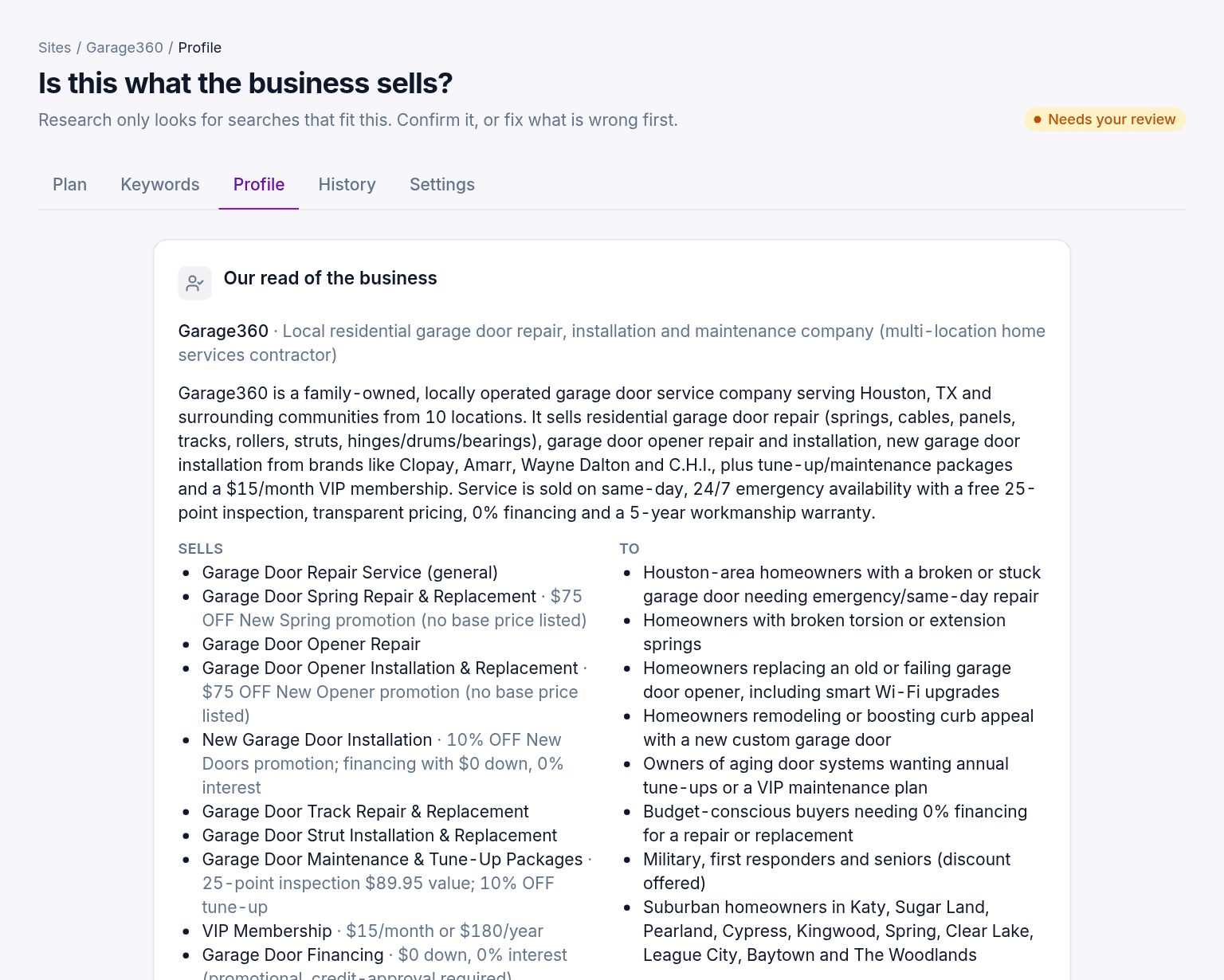
The profile is what we think the business sells, to whom, how it makes money, and the starting topics. Research only looks for searches that fit it, so a wrong profile means a plan about the wrong things.
On a new account the first research, trial or bought, reads the site and drafts the profile on its own, without stopping for you; check it on the Profile tab before any later research. On accounts that have bought before, the site page shows the draft profile after the free read and waits for you to confirm it.
If it is right
Press Looks Right, Confirm. That is all. The step turns green and Start Research becomes the next action.
If something is wrong
Press Fix Something First. The Profile tab opens in edit mode with every field:
- Business name, type and summary. Two or three sentences on what the site sells and to whom.
- Offerings. One block per thing a customer can buy or request, with a category, a description, attributes such as sizes, prices or turnaround, a price range and the page it lives on. Add and remove blocks freely.
- Customers and Constraints. Who buys, and what the business does not do, cannot ship, or where it does not serve.
- Seed topics. Ten to forty short phrases a customer might type. These are where the research starts; add topics for things you sell that the site does not say much about.
- Countries and service areas, differentiators and notes.
Save and confirm. The research uses the confirmed version.
Confirming again later
Change anything on the Profile tab and it needs confirming again. Runs started before the change keep the profile they used, so old plans still make sense.
Rebuilding from scratch
If the site has changed a lot, Read the Site Again on the Profile tab reads it afresh and drafts a new version. Your edits to the previous version are kept in its history but not carried over.
Was this helpful?
Still stuck?
Tell us what you were trying to do and which site or page it concerns. A person replies from help@legiit.com, usually within one business day.