Getting started
How do I add my site?
Sign in, paste the address, then try a plan for $1 or buy the site's plan once. Paying accounts see the site read free instead.
Last updated Sep 25, 2026, 12:00 AM
- From Sites, press Add a Site (top right, or the plus next to Your Sites in the sidebar).
- Choose I Have a Website or I Am Planning One.
- For a live site, paste the address.
example.com,www.example.comandhttps://example.com/shopall work. If the site is a section of a bigger domain, paste the section's address and we stay inside it. - Press Continue. The site's page offers two ways in: try Pro or Agency for $1, or buy this site's plan once for $29. Either way the research starts as soon as you are back from Stripe: we read the site, find the keywords that fit, and decide every group. 15 to 25 minutes; you can close the page and we email you. See What is the $1 trial?.
If you have bought an analysis, credits or a plan before, the button says Read My Site instead: the read is free and takes about three minutes, and you start the research yourself afterwards.
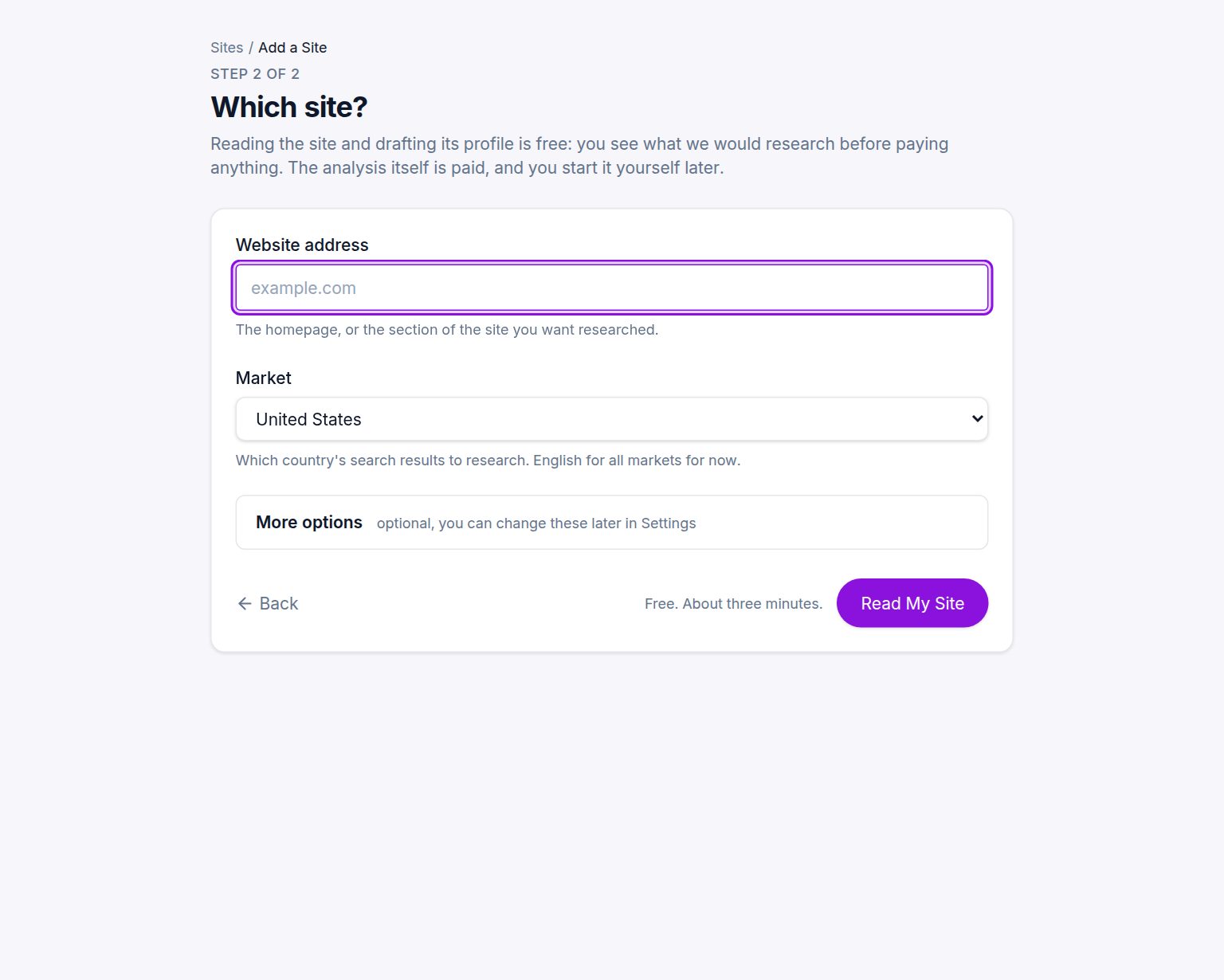
More options
Under More options you can set:
- Name. How the site is labeled in the app. Defaults to the domain.
- Market. Which country's search results and volumes to use. Defaults to the United States. Change it if your customers are elsewhere.
- Brand terms. Words that mean your own brand. Searches containing them are treated as brand searches and left out of the plan, because you already rank for your own name.
- Excluded terms. Anything you never want in a plan, for example a product line you are discontinuing.
You can change all of these later from the site's Settings tab.
Each site has its own plan
Each site keeps its own profile, runs, keywords and plan. Add as many sites as you like; agencies add one per client. Credits are one balance for the account and pay for research on any of them.
Was this helpful?
Still stuck?
Tell us what you were trying to do and which site or page it concerns. A person replies from help@legiit.com, usually within one business day.